Press desk
Press accreditation you approve, a curated press list, the media kit, press releases, and the coverage each outlet files.
The platform for fashion production
From conception to completion — registration, agreements, tickets, seating, zoned security, the running order and the AV, with a private portal for everyone in your show, right through to the photos afterwards.
∞unlimited roles, named your way, each with its own way in
04languages on every public page
12departments, from the press desk to the AV booth
The six stages
The season, shows, roles and zones; the production schedule; income and expenses; your team’s access.
Invitations, registration for every role, fees, and your own agreements signed online.
A portal for every person, messages and group chats, what each one still owes you, casting and the running order.
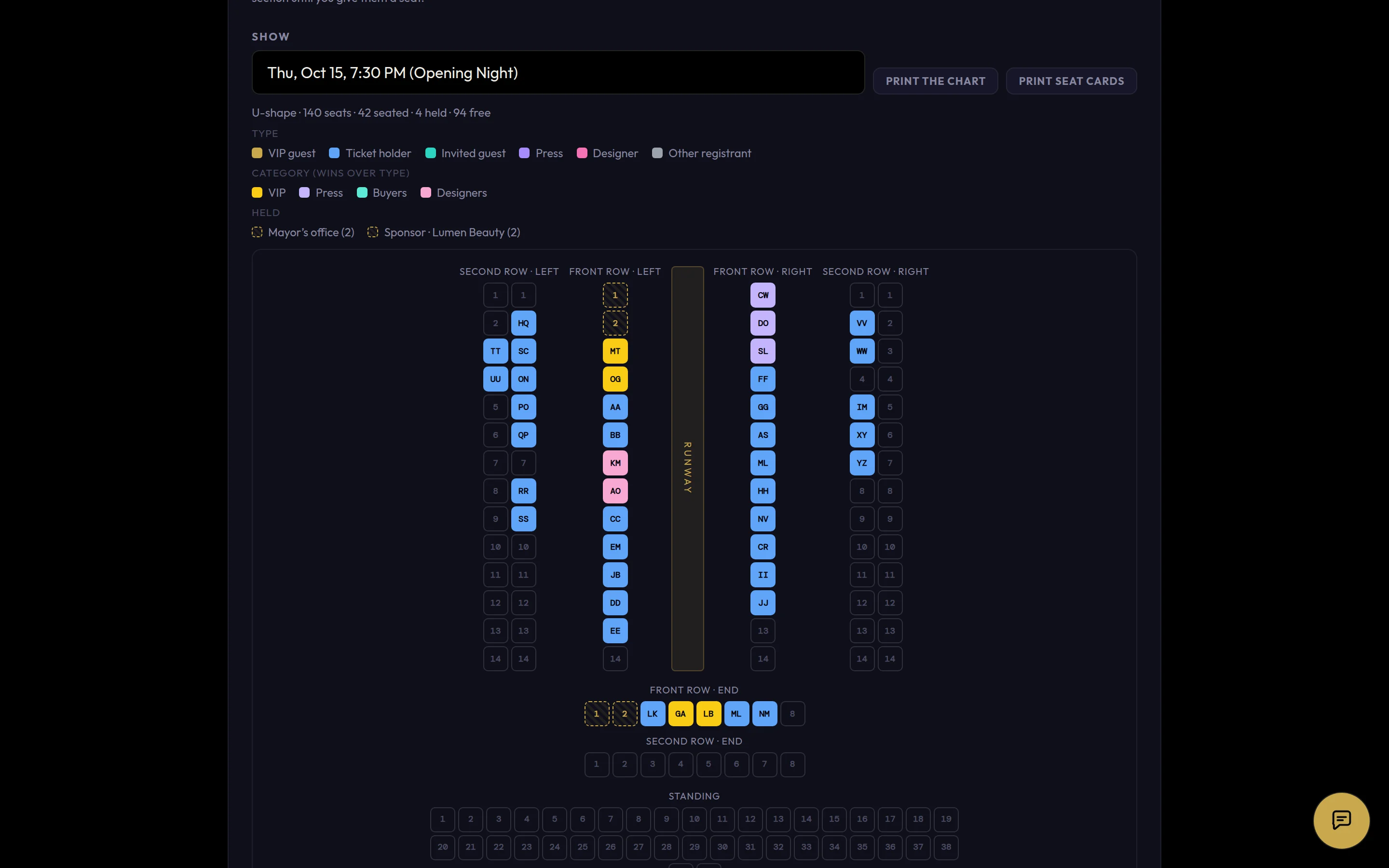
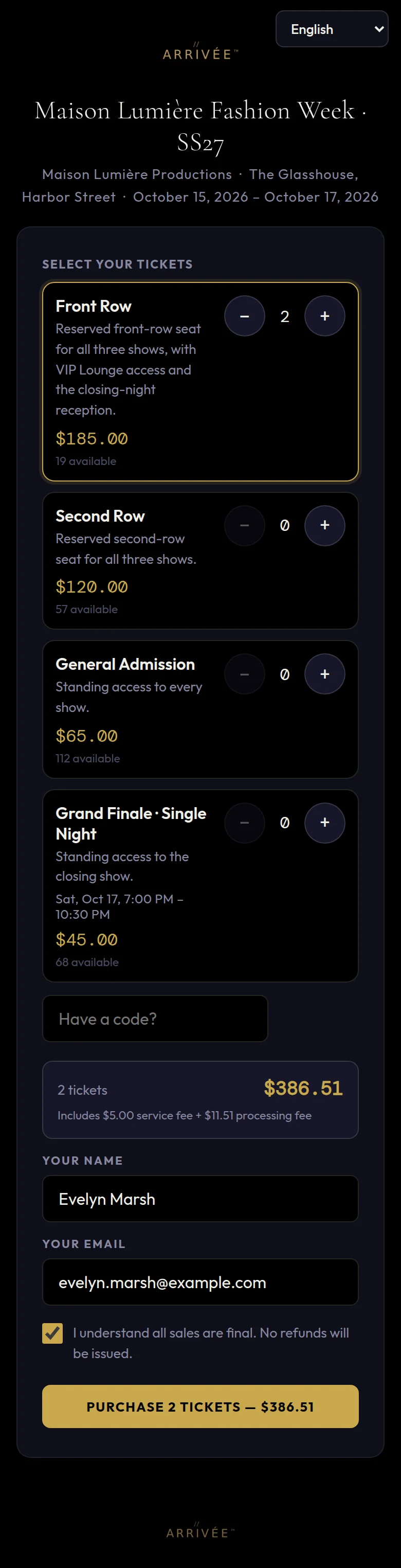
Tickets, seating charts, VIP seats, the press desk and the runway shop.
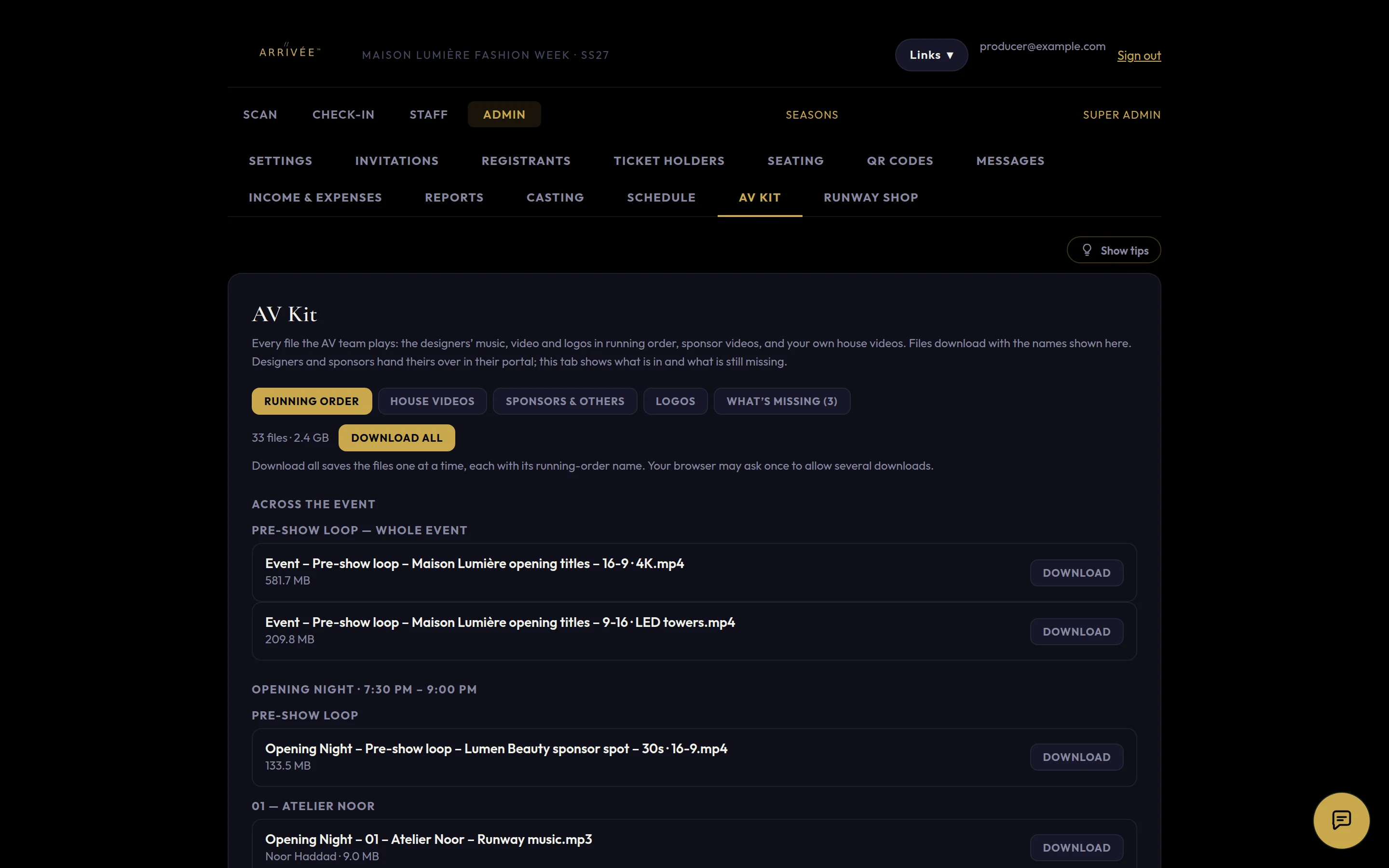
Zoned check-in at every door, the running order, the AV kit and messages.
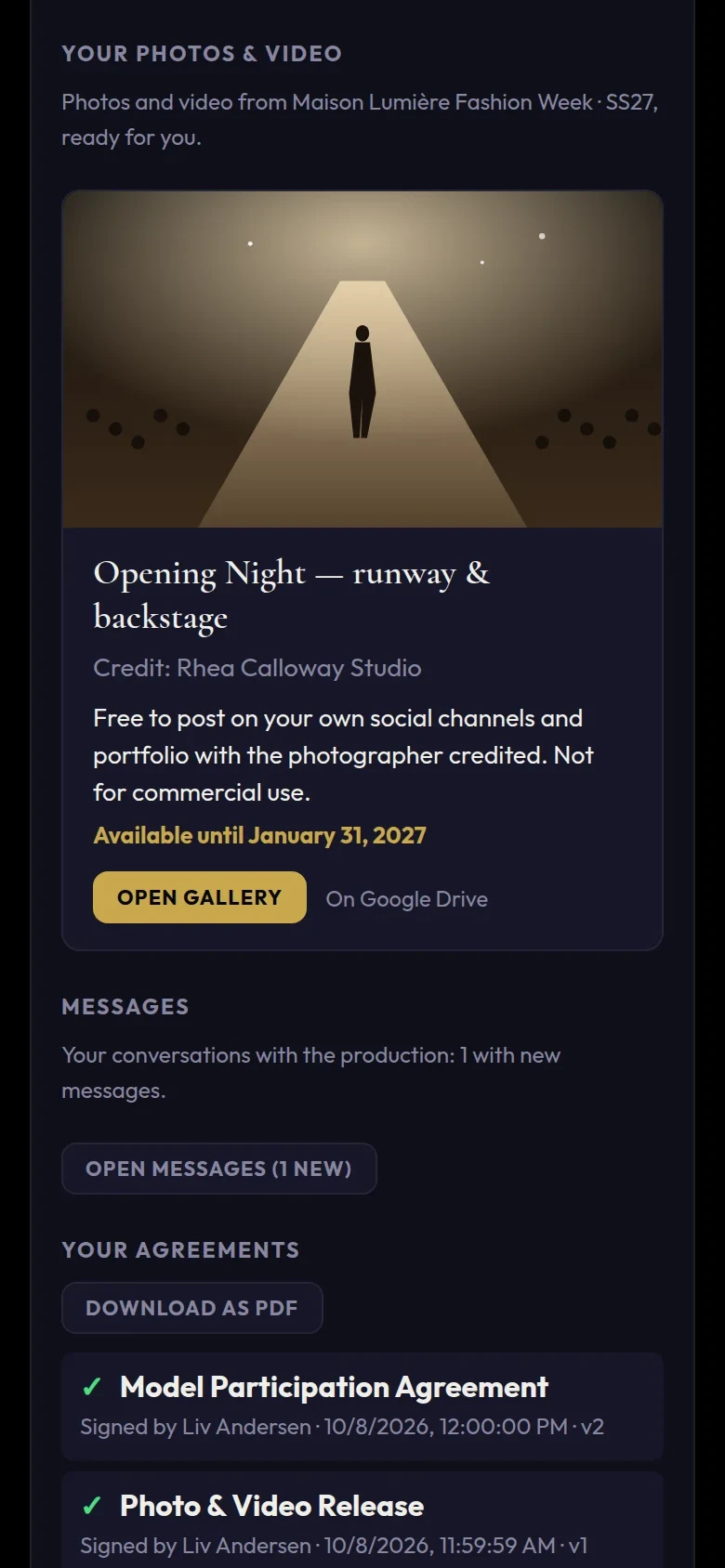
Photos and video to each portal, coverage filed back, reports and the final figures.
What it does

Who’s in your show
Guest-list tools manage the audience. ARRIVÉE manages everyone in the production — these are just some of the roles, and you can add as many of your own as you need. Choose one to see what they get.
Designers
Models
Talent
Sponsors
Vendors
Crew
Press
Guests
The press
From accreditation to the last published story, ARRIVÉE runs your press desk — and keeps track of what every outlet owes you.
Before
During
After
Every department
Each part of your production has its own place in ARRIVÉE — all working from the same people, the same shows and the same schedule.
Press accreditation you approve, a curated press list, the media kit, press releases, and the coverage each outlet files.
Every track, video and logo in running order, with the names your AV team will see — and a list of what is still missing.
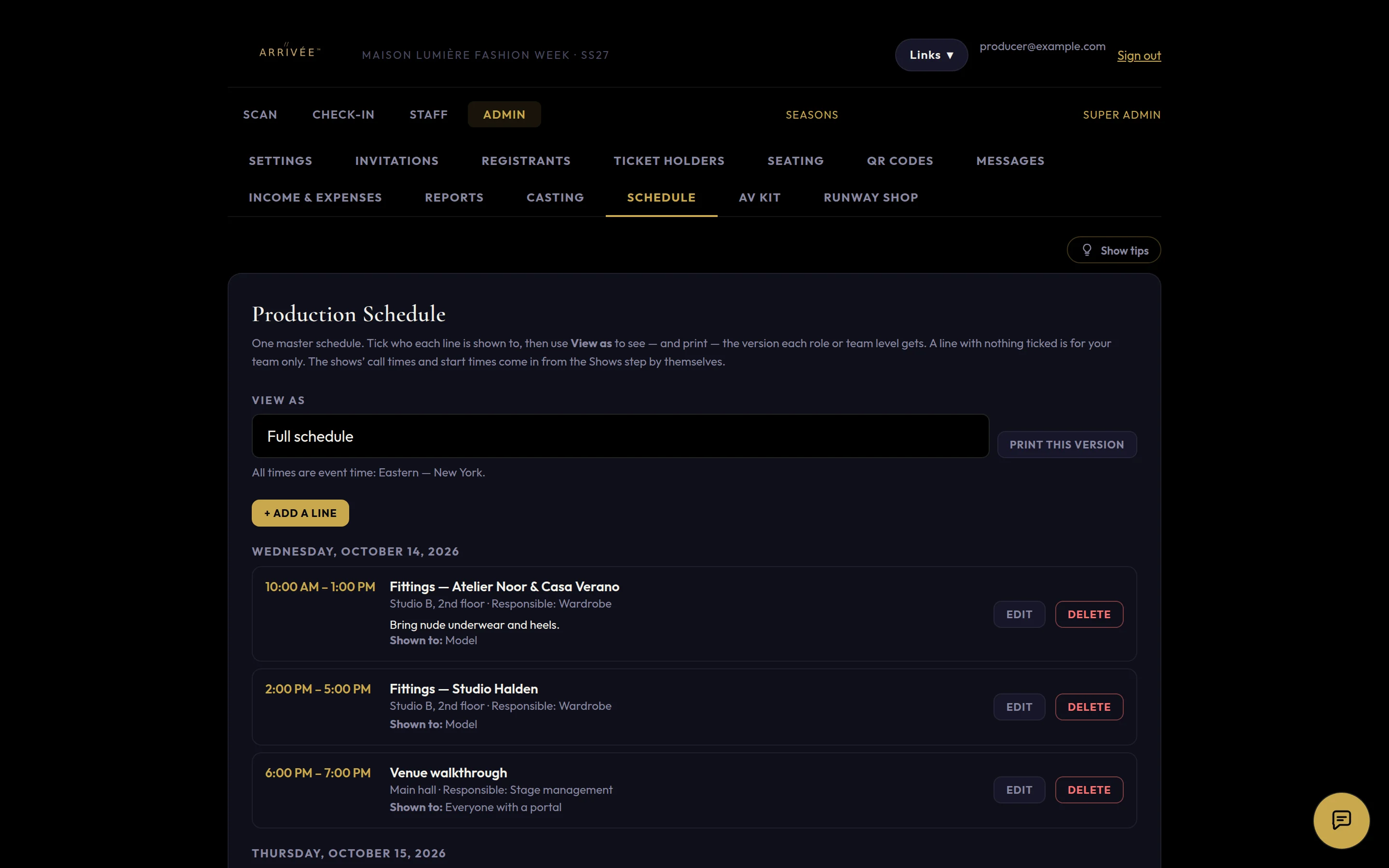
One master schedule, with a version for every audience. Print it, or let each person see theirs in their portal.
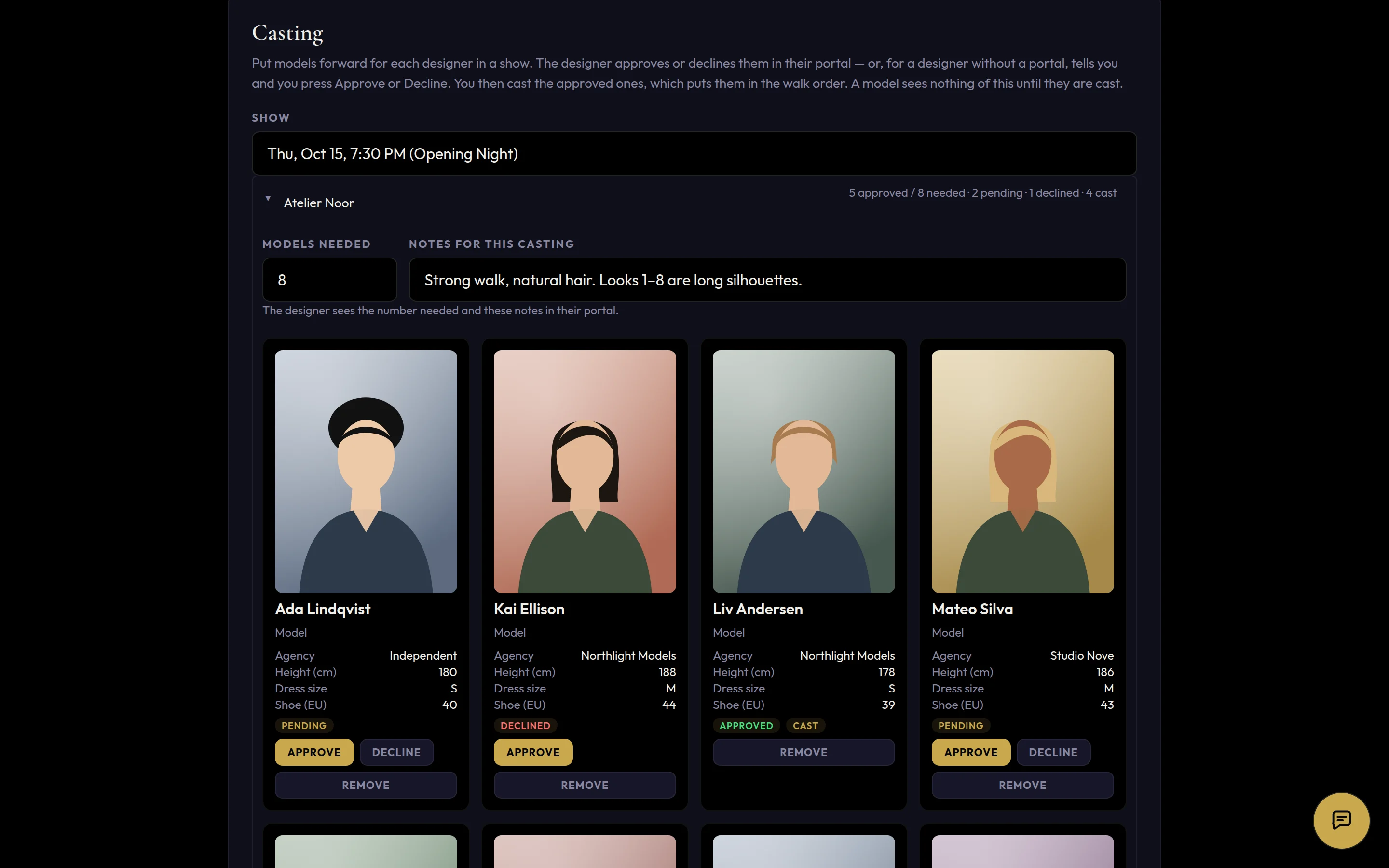
Who walks for which designer, in what order, in every show.
Ticket tiers with sold-out limits, refunds, a seating chart for every show, and VIP seats.
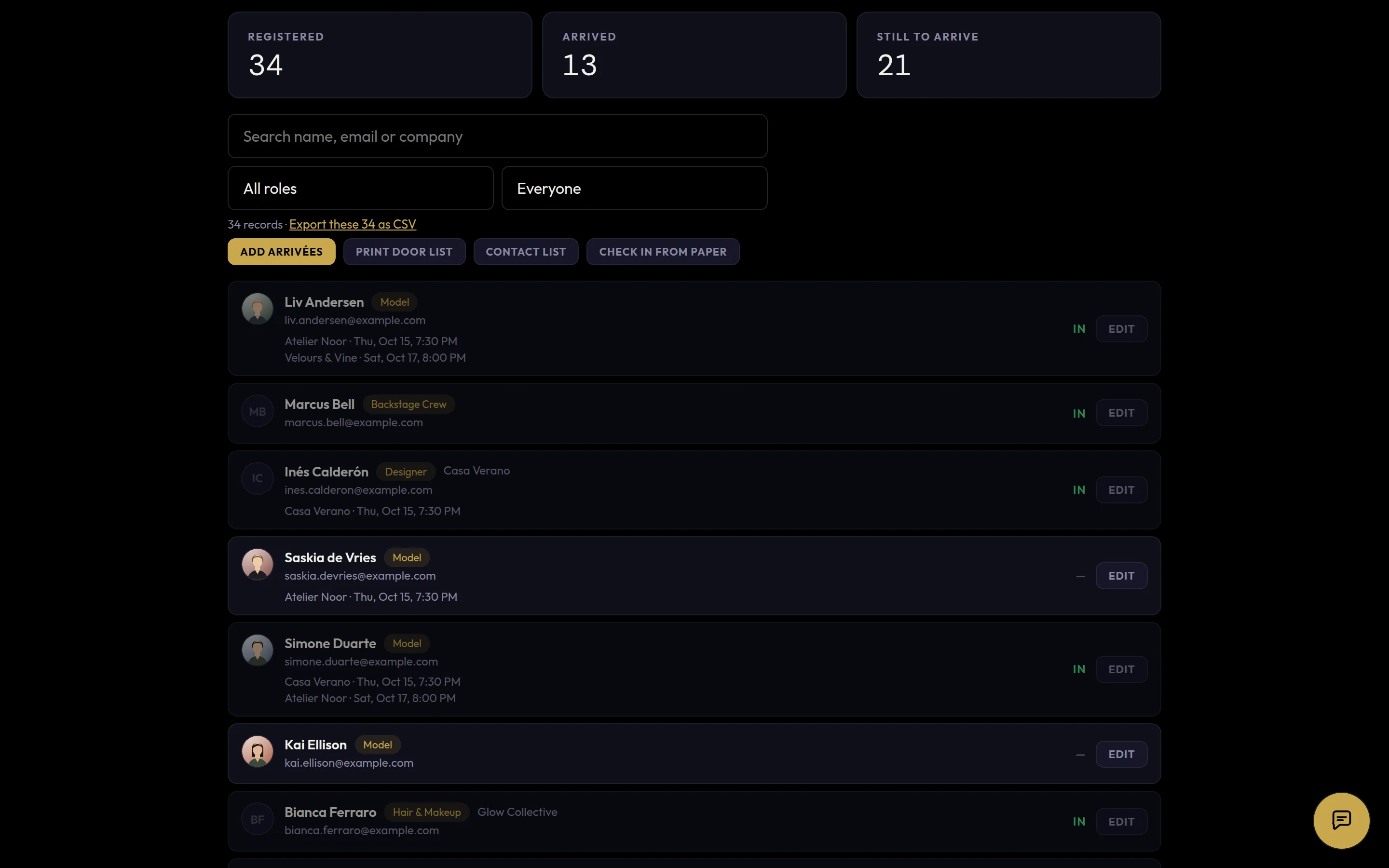
QR check-in by zone, a self check-in kiosk, badge numbers, and a paper list in case the Wi-Fi fails.
Email by role or by show, and group chats with a bubble on every screen.
Hotel information for the roles you choose, shown in their portals.
Guests tap “I want this” on a look; the designer follows up.
Tickets, fees, sponsors and receipts, in one place.
Post-production galleries delivered to the people in them.
Each member of your team sees and does only what their level allows.
Built for your production
Every production gets its own custom deployment — set up around the way you run your show, and kept apart from everyone else’s.
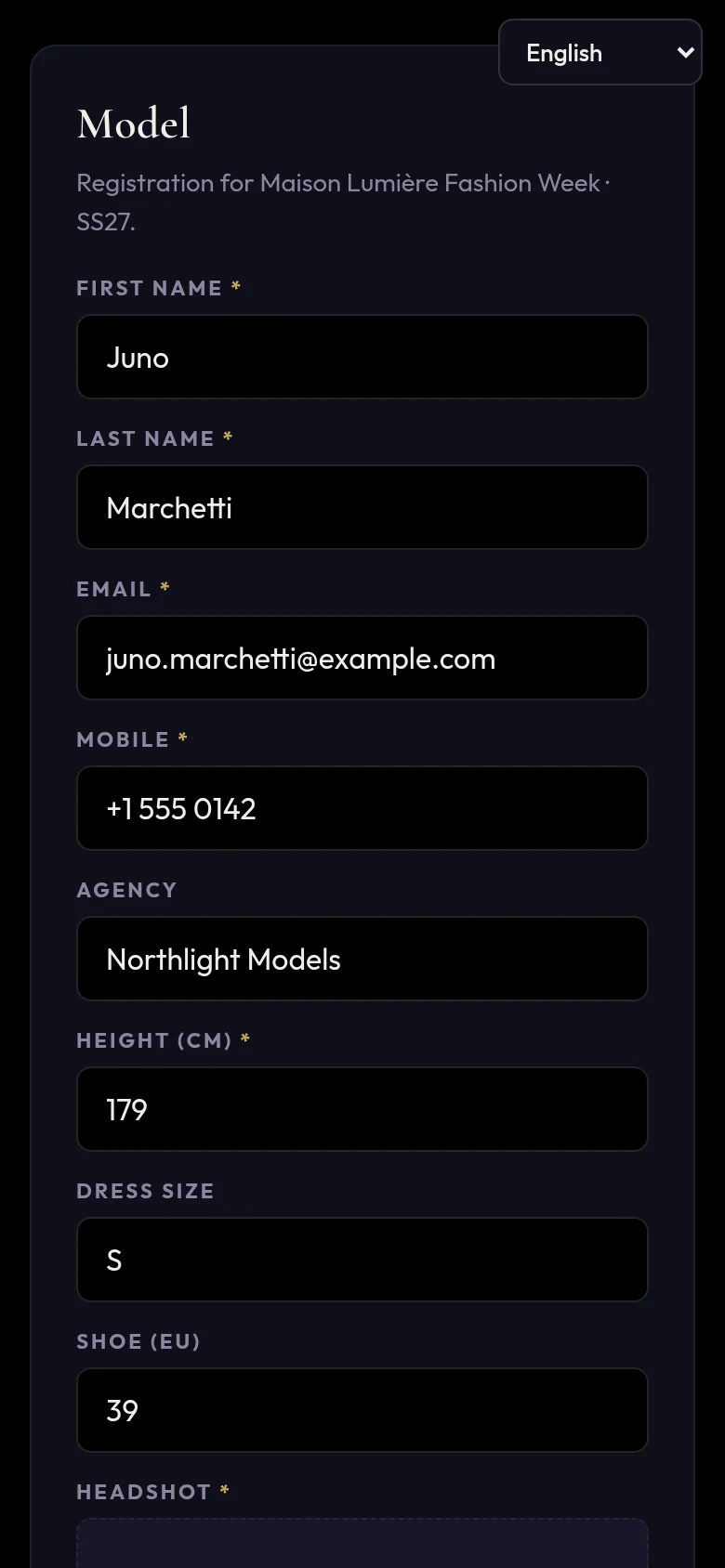
Designers, models, ambassadors, stylists, sponsors — whatever your production calls them. Each role has its own form, its own fee, its own zones and its own messages.
Your own contracts, written your way, a different one for every role. Change the wording any time: new signers get the new version, and every signed copy stays exactly as it was signed.
Your production’s records live in their own database, separate from every other production. Your team sees only what their access allows, official IDs are locked away — opened only by owners, and every viewing logged — and payments can go straight into your own Stripe account.
Built around the way you produce, not the other way round: your roles, your registration questions, your zones, your agreements, your schedule. Switch on the departments you need, and grow into new ones. Everything comes out in standard files — spreadsheets, PDFs and one complete data file.
Your data is yours. Take it and leave whenever you like.
Download everything for your event in one file at any time — registrants, check-ins, invitations, settings and archives. If you ever go, take it with you, and we delete every copy we hold: the live event, every archive, every photo and every official ID.
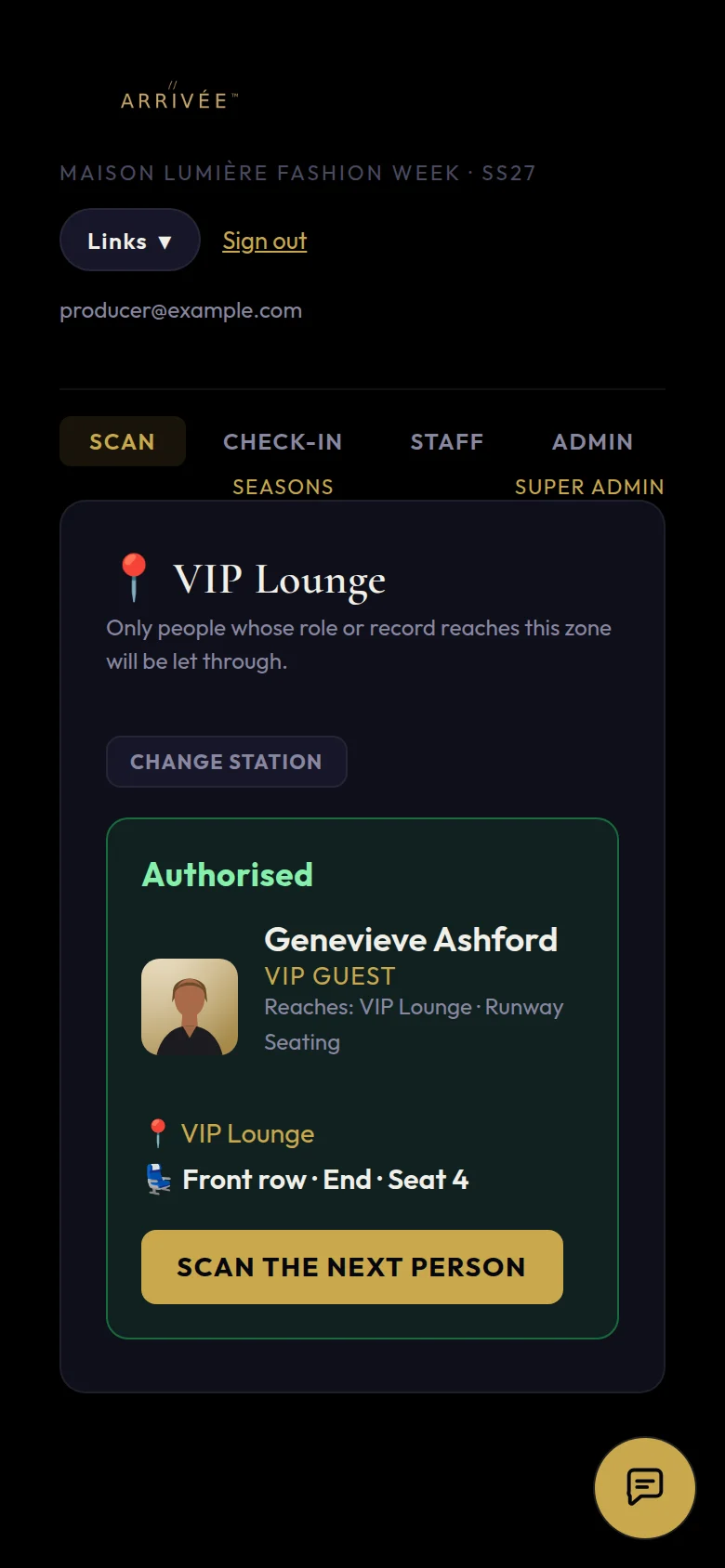
Zoned security
You name the zones. Each role is let into its own. Every door scans a QR code, admits or turns away, counts against the zone’s capacity, and logs the entry.
An example layout — every venue is set up its own way.
Why ARRIVÉE
Most shows run on a patchwork: forms for applications, an e-signature service for contracts, a ticketing site, a seating tool, a shared drive for the music and spreadsheets for everything else.
Your own contracts for every role, signed inside the platform and kept with each person’s record — no separate e-signature subscription.
Ticket sales and fees can be paid straight into your own Stripe account — no waiting on a marketplace to pay you out.
Your own app at your own address, with your logo, in four languages — set up for you.
| The usual tools | Cost | ||||||||
|---|---|---|---|---|---|---|---|---|---|
| Guest-list & seating tools | ● | some | – | – | – | some | – | – | Mid-tier to premium |
| Ticketing sites | ● | ● | – | – | – | – | – | – | Affordable, plus a fee on every ticket |
| Enterprise event platforms | ● | ● | some | – | – | some | some | – | Premium |
| E-signature services | – | – | – | ● | – | – | – | – | Affordable, per user, every month |
| Spreadsheets & forms | some | – | some | – | some | – | – | – | Free — but your time |
| ARRIVÉE | ● | ● | ● | ● | ● | ● | ● | ● | One platform — talk to us |
Swipe the table to see every column. Tap a column for what it means. A general guide to each kind of tool, not to any one company.
Guests
The guest list, invitations and check-in at the door.
Tickets
Selling tickets in tiers, with limits, refunds and seats.
Participant registration
Designers, models, talent, sponsors, vendors, crew and press applying through their own forms — not just guests signing up.
Agreements signed
Your own contracts and releases for each role, signed online and kept exactly as signed.
Running order
Who walks for which designer, in what order, in every show.
Zoned security
Each role let into its own zones only — backstage, runway, press — with capacity limits and a log of every entry.
Portals
A private page for every participant with their agreements, schedule, tickets and messages.
After the show
Photos and video delivered to the people in them.
Who it is for
Fashion weeks, independent shows, and designers producing their own runway — anyone taking a production from idea to finale, and beyond.
Tell us about your production, your roles and your venue.
Your own deployment: your roles, your agreements, your colours and logo, at your own address.
From the first registration to the last photo — with House Left behind you.
Now in production on ARRIVÉE
 Art in Motion
Sold out. Every seat sold through ARRIVÉE ticketing, weeks in advance — October 24, 2026, Cuenca.
 Omayra La Bella®
Sold out. The first-anniversary gala sold out weeks in advance — ticket sales and one-to-one invitations in one place, and every guest scanned in at the door.
Talk to us
We’ll walk you through ARRIVÉE with your own show in mind.
Or write to arrivee@houseleft.com